What Is Embroidery Digitizing? Process, File Formats & Complete Guide
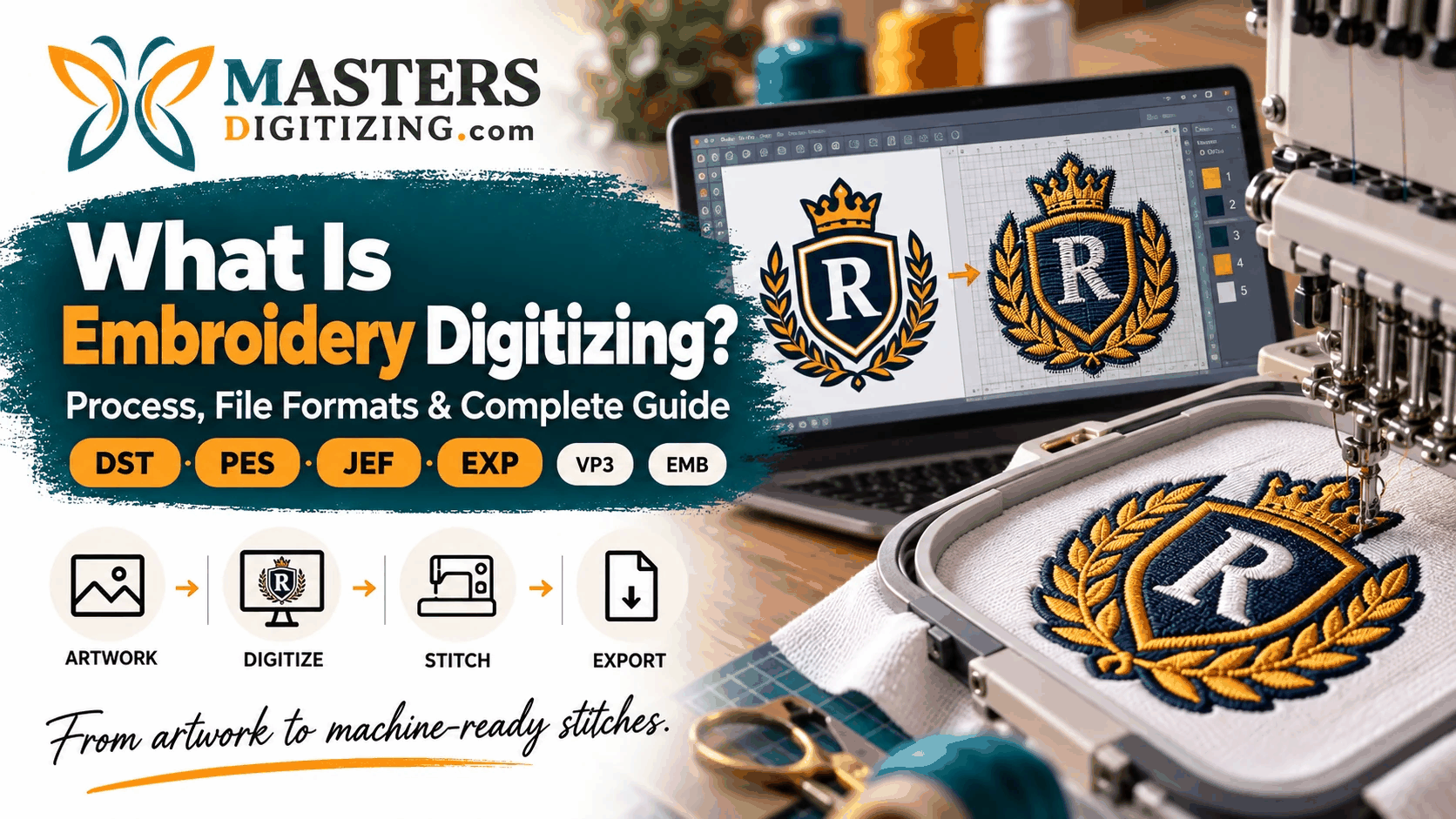
If you have ever wondered how a logo, image, or design becomes embroidery, the answer is embroidery digitizing. It is the process of converting artwork into a stitch-based file that an embroidery machine can read.
Embroidery digitizing is more than changing a JPG or PNG into another format. A digitizer plans stitch types, density, sequence, and fabric behavior.
This guide explains the process and the most common embroidery file formats.
What Is Embroidery Digitizing?
Embroidery digitizing is the process of converting artwork, text, or a logo into stitch instructions for an embroidery machine.
A normal image file shows how a design should look. An embroidery file tells the machine how the design should be stitched. It may include stitch direction, stitch placement, color changes, trims, and sewing order.
A logo in JPG, PNG, PDF, or vector format usually needs to be digitized before embroidery. The final file may be exported as DST, PES, JEF, EXP, or another compatible format.
Good digitizing helps produce clean edges, readable lettering, and balanced stitches.
How Does Embroidery Digitizing Work?
The embroidery digitizing process involves several technical decisions. The design must be prepared according to its size, fabric, placement, and embroidery style.
Preparing the Artwork
The digitizer reviews the artwork for small text, thin lines, gradients, and fine details. Some elements may need simplifying because screen details can be difficult to reproduce with thread.
Size also matters. A small chest logo may need different settings from a large jacket design.
Choosing Stitch Types
Different areas of a design require different stitches.
Running stitches are commonly used for thin lines and details. Satin stitches work well for lettering, borders, and narrow shapes. Fill or tatami stitches are normally used for larger areas.
Choosing the right stitch type helps preserve the appearance of the original design while making it practical for embroidery.
Setting Stitch Direction and Density
Stitch direction affects how the design looks and how different sections are defined. Density controls how closely the stitches sit together.
If the density is too high, the fabric may become stiff or distorted. If it is too low, the fabric may show through.
A skilled digitizer adjusts both direction and density based on the design, thread, fabric, and size.
Adding Underlay and Pull Compensation
Underlay stitches are placed beneath the visible stitches to support the design and stabilize the fabric.
Pull compensation helps correct the way fabric moves during embroidery. Without it, gaps can appear or shapes may become narrower than intended.
These adjustments are important for clean, stable embroidery.
Planning the Stitch Sequence
The stitch sequence determines which part of the design is sewn first and what comes next.
A good sequence can reduce jump stitches, trims, and unnecessary machine movement. Color changes are also planned here.
Exporting the Embroidery File
Once the design is ready, it is exported into the correct embroidery file format. The required format depends on the machine or software being used.
Why Can’t You Use a JPG or PNG Directly for Embroidery?
A JPG or PNG contains pixel-based visual information. It tells a computer what an image should look like.
An embroidery machine needs stitch instructions instead. It must know where each stitch goes, which direction to follow, when to trim thread, and when colors should change.
That is why simply renaming a JPG file to DST does not create a usable embroidery file.
If you want to convert a logo from JPG or PNG to an embroidery file, the artwork first needs to be properly digitized.
What Are Embroidery File Formats?
Embroidery file formats are digital files created specifically for embroidery machines. They contain the stitch information needed to sew a design.
Different machine brands may support different file types, so choosing the correct format is important before production begins.
Most Common Embroidery File Formats
DST Embroidery File
DST is one of the most common embroidery file formats in commercial embroidery. It is associated with Tajima machines but is also supported by many other professional systems.
PES Embroidery File
PES is commonly used with Brother and Baby Lock embroidery machines. It is popular among home users and small embroidery businesses.
JEF Embroidery File
JEF is mainly associated with Janome embroidery machines. It is often required when designs are prepared for Janome systems.
EXP Embroidery File
EXP is used by several embroidery systems and is commonly associated with Melco and some Bernina workflows.
VP3 Embroidery File
VP3 is often used with Husqvarna Viking and Pfaff embroidery machines.
EMB File
EMB is an editable file format commonly used in Wilcom embroidery software. It can retain more design information than many machine-ready formats, making later edits easier.
DST vs PES: What Is the Difference?
DST and PES are both popular embroidery file formats, but they are commonly used in different environments.
DST is widely supported in commercial and industrial embroidery, while PES is strongly associated with Brother and Baby Lock machines.
There is no single best embroidery file format for every user. The correct choice depends on the machine and software being used.
Why Professional Embroidery Digitizing Matters
Good embroidery starts with good digitizing.
Even a high-quality embroidery machine can produce poor results if the file has incorrect settings.
Professional embroidery digitizing can improve lettering, stitch balance, edge definition, and fabric stability. It can also reduce puckering, gaps, thread breaks, and unnecessary trims.
A polo shirt, cap, towel, jacket, or stretchy garment may each need different settings. Custom embroidery digitizing should therefore consider the garment, size, placement, and production needs.
If you regularly need logos converted into production-ready files, professional embroidery digitizing services can help prepare designs for the correct machine and application.
Internal Link: Link “embroidery digitizing services” to your main service page.
What Information Should You Give an Embroidery Digitizer?
A digitizer will normally need the original artwork, required embroidery size, fabric or garment type, placement, thread colors, and required file format.
You should also mention whether the design is for flat embroidery, cap embroidery, applique, or 3D puff embroidery.
Clear information helps reduce revisions and improves the first result.
Frequently Asked Questions About Embroidery Digitizing
What is embroidery digitizing?
Embroidery digitizing is the process of converting artwork into stitch instructions that an embroidery machine can read and sew.
What file format is used for embroidery?
Common embroidery file formats include DST, PES, JEF, EXP, and VP3. The correct format depends on the embroidery machine being used.
Can I convert a JPG or PNG to DST?
Yes. JPG or PNG artwork can be used to create a DST file, but it must first be properly digitized. Changing the file extension alone will not work.
What is the difference between DST and PES?
DST is widely used in commercial embroidery, while PES is commonly used with Brother and Baby Lock embroidery machines.
Do I need to digitize my logo for embroidery?
In most cases, yes. A logo needs to be converted into a stitch-based embroidery file before a machine can sew it.
Can an embroidery file be resized?
Small adjustments may be possible, but large size changes can affect stitch density and quality. Major changes may require the design to be adjusted or re-digitized.
Conclusion
Embroidery digitizing connects digital artwork with machine embroidery. It turns logos, images, and text into planned stitch instructions that an embroidery machine can follow.
Understanding stitch types, density, underlay, sequencing, and embroidery file formats can help produce cleaner and more professional results.
Whether you need DST, PES, JEF, EXP, or another format, the quality of the digitizing process will have a major impact on the final embroidery.